Master Inbox
Master Inbox is a central place where you can manage all your campaign replies & conversations inside Deliveryman AI.
Instead of opening multiple email accounts, you can read, track, & reply to all emails from one dashboard.
It helps you stay organized by keeping all conversations in one place. You can manage multiple sending accounts, track lead replies, add labels, monitor positive or negative responses, & reply directly without leaving the platform.
Master Inbox also makes teamwork easier because your team can access & manage conversations together. This helps you respond faster, avoid missing important leads, & keep your outreach process simple & organized.
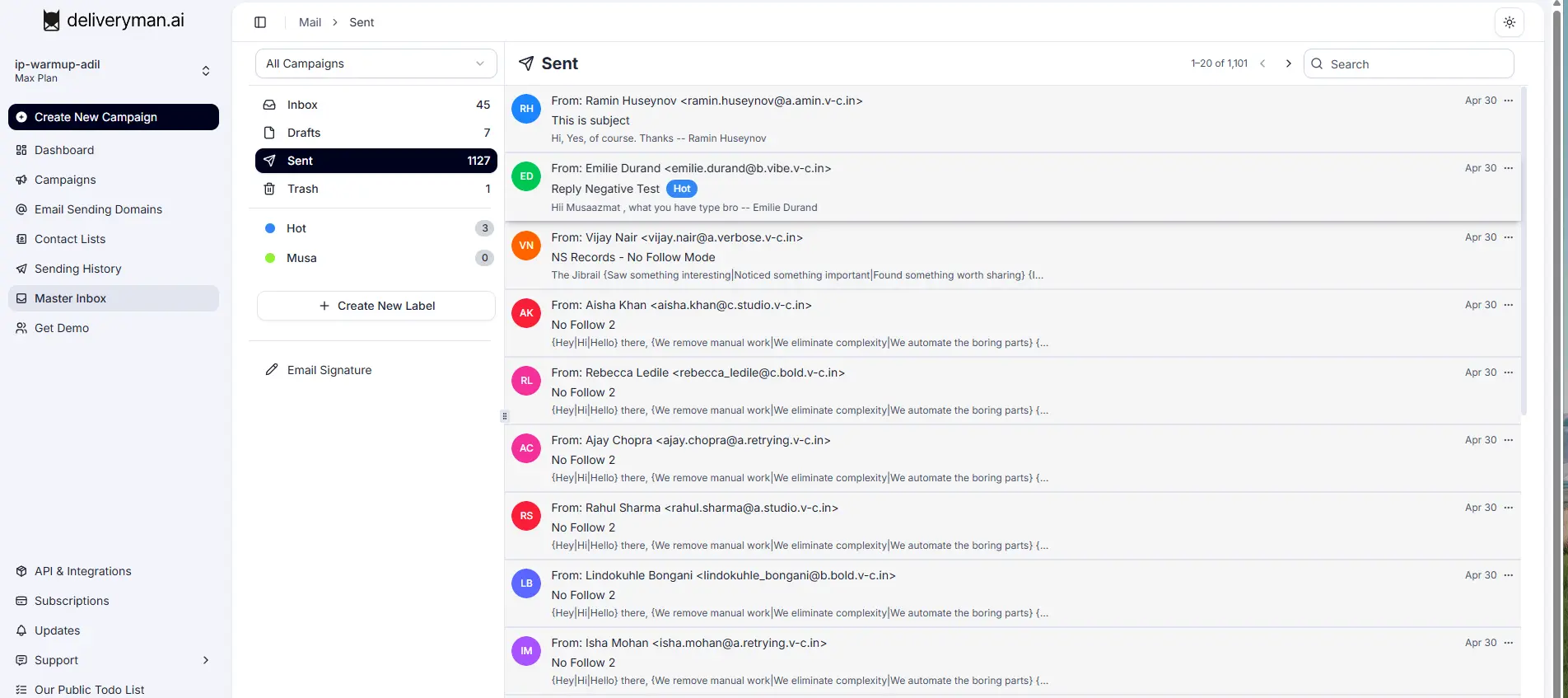
What you can track & manage in the Master Inbox?
Track Inbox Activity
Master Inbox helps you track all inbox activity in one place.
You can monitor new replies, ongoing conversations, unread emails, and sent replies easily.
This helps you stay updated on lead communication and makes sure no important conversation is missed.
Track Reply Categorisations
You can track different types of lead replies inside Master Inbox. Replies can be marked as positive, negative, or neutral.
This helps you understand lead interest & focus more on important conversations & potential customers.
Track Sent Emails
Master Inbox also allows you to track sent emails. You can review previous replies, monitor communication history, & avoid sending duplicate responses.
This helps maintain clear & transparent communication with leads.
Track Interested Leads
Master Inbox helps you quickly identify interested leads & active conversations. You can monitor new replies, follow-up discussions, & positive responses from prospects.
This helps your team focus on leads that are more likely to convert into customers.
Create & Add Labels
Master Inbox allows you to create custom labels & add them to conversations.
Labels help you organize leads, group similar conversations, & quickly find important replies.
You can create labels for interested leads, follow-ups, meetings booked, priority conversations, or any custom category you want.
This helps you manage conversations more easily & keeps your inbox clean & organized.
Email Signature
You can create & manage your email signature directly inside Master Inbox.
Your signature will automatically appear while replying to leads, helping you maintain professional communication.
Currently, we set the following signature by default:
--
{{SenderFullName}}
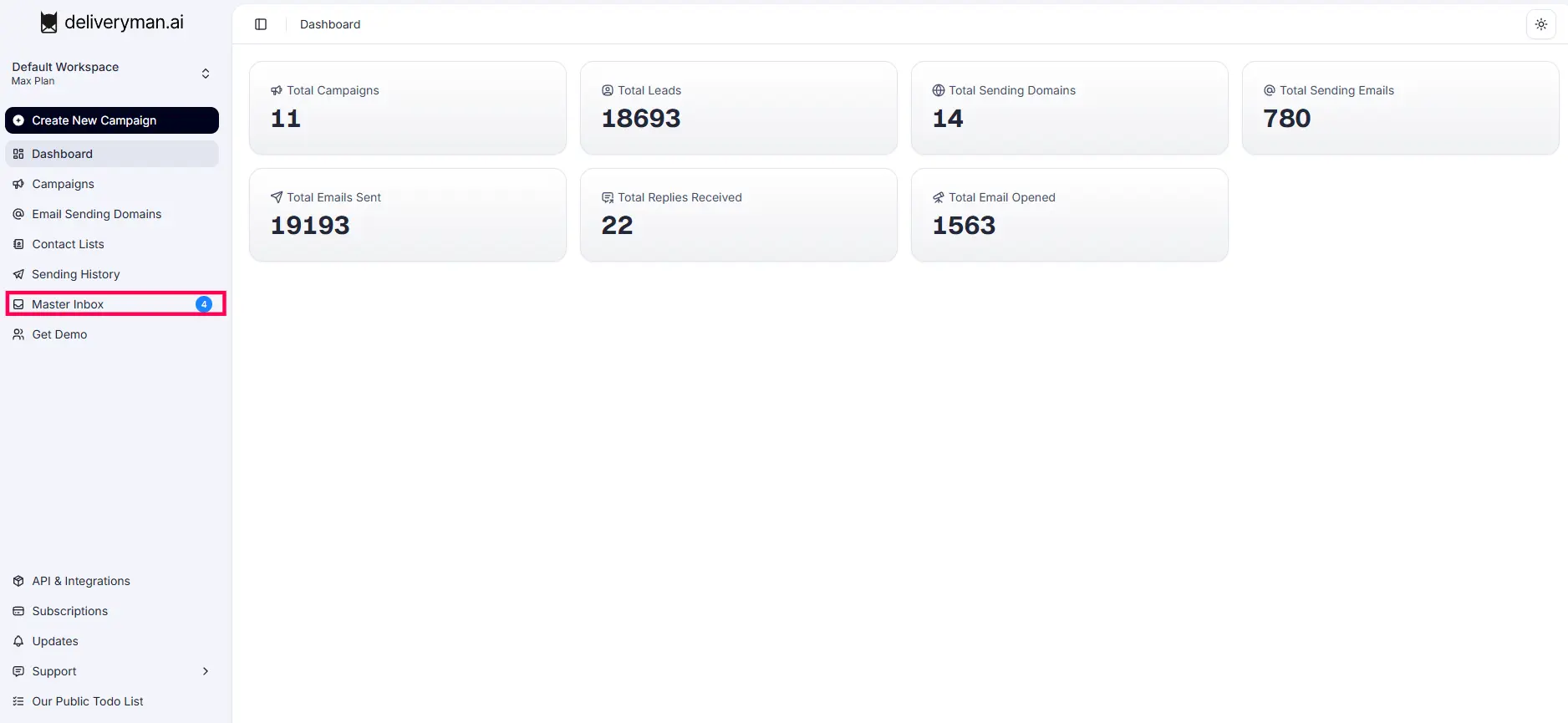
How to Open Master Inbox
- Log in to your Deliveryman AI account
- Open the left sidebar menu
- Click on Master Inbox to open the inbox dashboard.
If I delete my email sending domain and a lead replies later, how will I be able to reply to them?
If you delete your email sending domain, you can still reply to your leads without breaking the email thread. In Master Inbox, near the reply button, you will see a message card saying that the email sending domain has been deleted. Below the message, you will see two dropdown options. One dropdown is used to select a sending domain, & the other is used to select a mailbox.
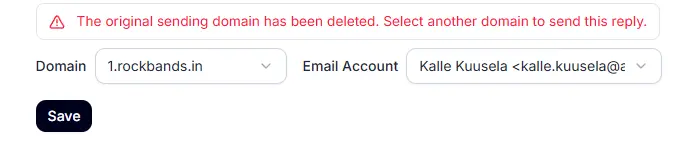
After selecting the domain & mailbox, you can continue replying to the lead normally. The conversation thread will remain the same.